Debunking 8 Common Myths About Digital Accessibility

While awareness of digital accessibility is growing, persistent myths still get in the way — some of them shape real decisions about audits, budgets, and what "done" actually means.
This article covers eight of the myths we run into most in our own work, and what's actually true.
Myth 1: WCAG Conformance Means You're Legally Compliant in the EU
This is the myth with the biggest practical consequences. The Web Content Accessibility Guidelines (WCAG) are a strong content standard, but they carry no legal weight of their own in EU law. The standard that actually matters legally is EN 301 549 — the Harmonised European Standard for ICT accessibility — which incorporates WCAG but also includes dozens of requirements WCAG doesn't cover at all, from real-time communication to biometric authentication.
An audit built only on WCAG can look thorough and still miss the requirements that actually carry legal weight under the Web Accessibility Directive (WAD) and the European Accessibility Act (EAA). Read more on why EN 301 549, not WCAG, is Europe's legal accessibility standard.
Myth 2: An Automated Scanner Can Tell You If You're Accessible
Automated tools are useful for catching a specific category of issues — missing alt attributes, contrast ratios, missing form labels. They're genuinely fast and worth running.
What they can't do is judge whether an experience actually works: whether a screen reader announces content in a sensible order, whether alt text actually describes what an image is for, whether a form's error messages make sense when read aloud. That's why manual testing — by trained evaluators, and ideally alongside people who use assistive technology daily — catches what a scanner physically can't detect..
Myth 3: Accessibility Is a Website Thing
EN 301 549 covers far more than websites: mobile apps, software, hardware, and non-web documents are all in scope. In our own audit work, some of the most common and hardest-to-fix issues we find aren't on websites at all — they're in Word and Excel documents converted to PDF, where structural problems (broken heading hierarchy, missing document outlines, unreachable charts) are baked into how the export process itself works, not just how the document was authored.
If your accessibility program only covers your website, it's covering one category out of several the standard actually requires.
Myth 4: An Accessibility Statement Means the Product Is Accessible
A statement is a claim, not proof. It documents what an organization asserts about its own conformance — it doesn't substitute for an actual evaluation.
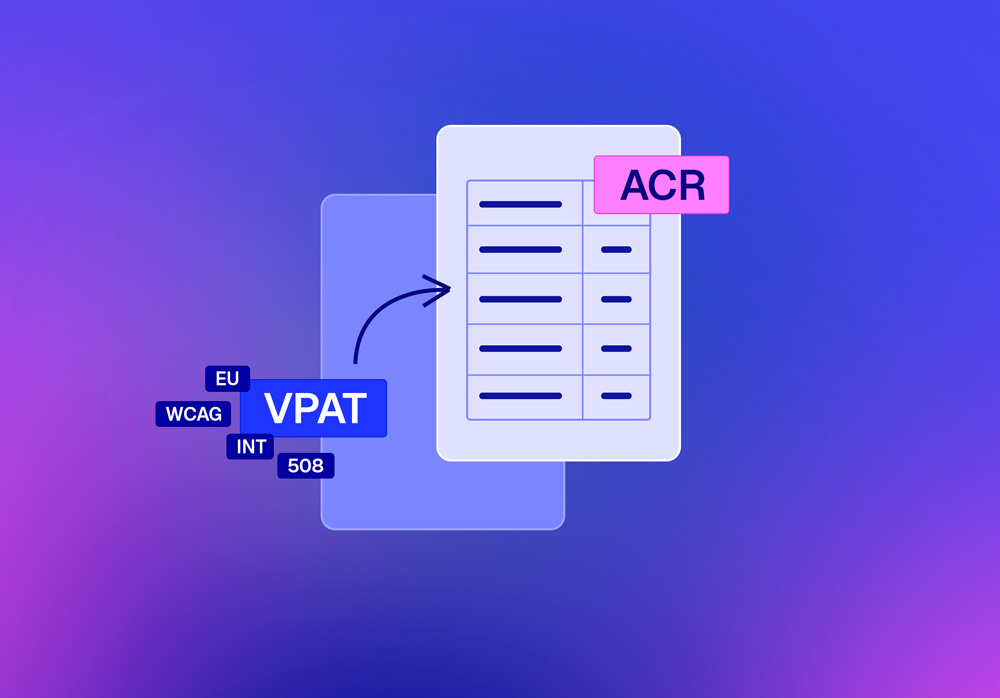
Real evidence of conformance comes from a documented evaluation against a named standard, ideally supported by an Accessibility Conformance Report (ACR) built on a Voluntary Product Accessibility Template (VPAT). A statement without that evidence behind it tells you what someone claims, not what's actually true.
Myth 5: Once You've Passed an Audit, You're Done
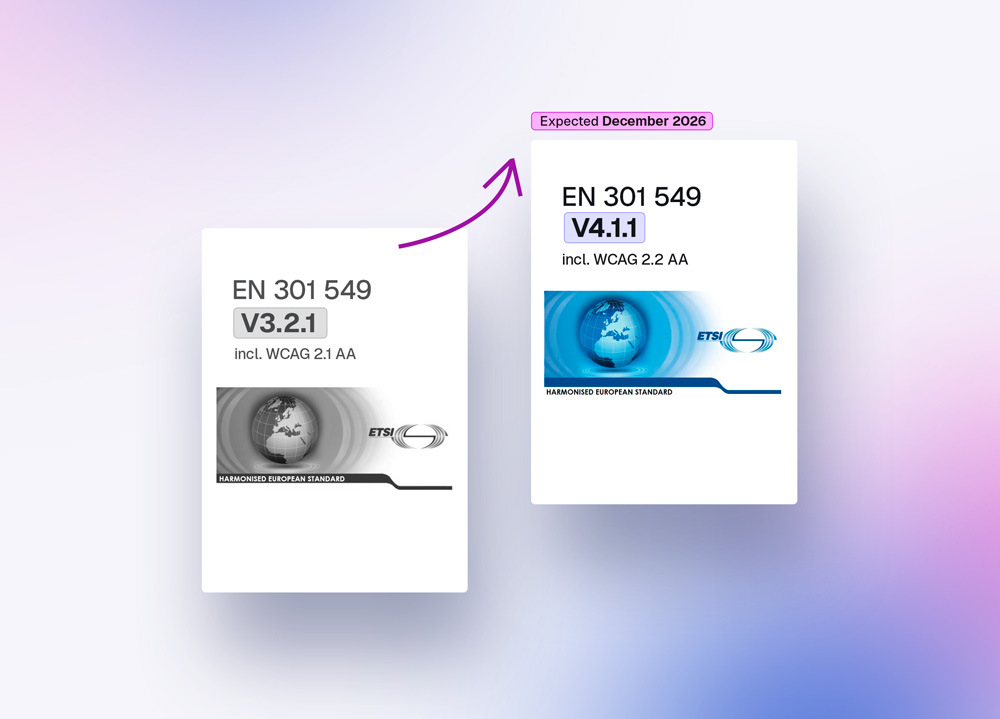
Two things change after an audit: the product, and the standard itself. Products get updated, redesigned, and re-platformed — any of which can reintroduce issues an earlier audit cleared. And the standards move too: EN 301 549 is moving from V3.2.1 to a new version expected to formally adopt WCAG 2.2 AA, adding new requirements that didn't exist when an earlier audit was run.
Accessibility conformance is a state you maintain, not a milestone you pass once.
Myth 6: Deaf Individuals Only Need Audio Content Alternatives
This assumes that a platform without audio or video content is automatically accessible to Deaf and hard-of-hearing users. In our conversations with the Lithuanian Association of the Deaf, that assumption doesn't hold.
For many Deaf people, sign language is their first language — the language they speak or write may be their second. Real accessibility means accounting for that directly: sign language interpretation where possible, and plain-language or easy-to-read alternatives where it isn't. Written text alone isn't automatically equivalent.
Myth 7: Accessibility Overlays Are a Quick Fix
Overlay widgets promise instant compliance through a script tag. The evidence doesn't support that claim. In WebAIM's survey of accessibility practitioners with disabilities, 72% rated overlays as "not at all" or "not very" effective, and only 2.4% rated them as very effective.
Overlays can adjust a narrow set of surface-level settings, but they can't restructure broken HTML, fix a document's reading order, or make an inaccessible PDF usable. They address symptoms a script can reach — not the underlying structure a real evaluation is built to catch. Read more on why we recommend avoiding accessibility overlays.
Myth 8: Accessibility Is Solely the Developer's Job
Accessibility touches every stage of building a product — not just the code. Business owners set priorities and budget. Designers make decisions about contrast, layout, and interaction patterns before a developer ever touches them. Content writers decide whether alt text and labels are meaningful or an afterthought.
Treating accessibility as a developer-only task is one of the most common reasons it gets deprioritized — it's rarely one person's decision to make, and shouldn't be treated as if it were.
Final thoughts
Most of these myths share a root cause: treating accessibility as a single milestone rather than an ongoing, cross-functional practice grounded in the actual legal standard. Getting that foundation right — the right standard, real evaluation, and shared responsibility across a team — is what separates genuine conformance from the appearance of it.
AxAll helps organizations meet EU accessibility law – through EN 301 549 audits and remediation, a compliance platform, and expert consultancy.
Schedule a discovery call to start making your digital products compliant and accessible to people with disabilities.
Newsletter subscription
Twice a month we send insights, event updates, and valuable resources on best accessibility practices in Lithuania, the Baltics, and the EU market. Subscribe to get the latest knowledge and stay informed.